
Waec 2025 Authentic Computer studies Answers

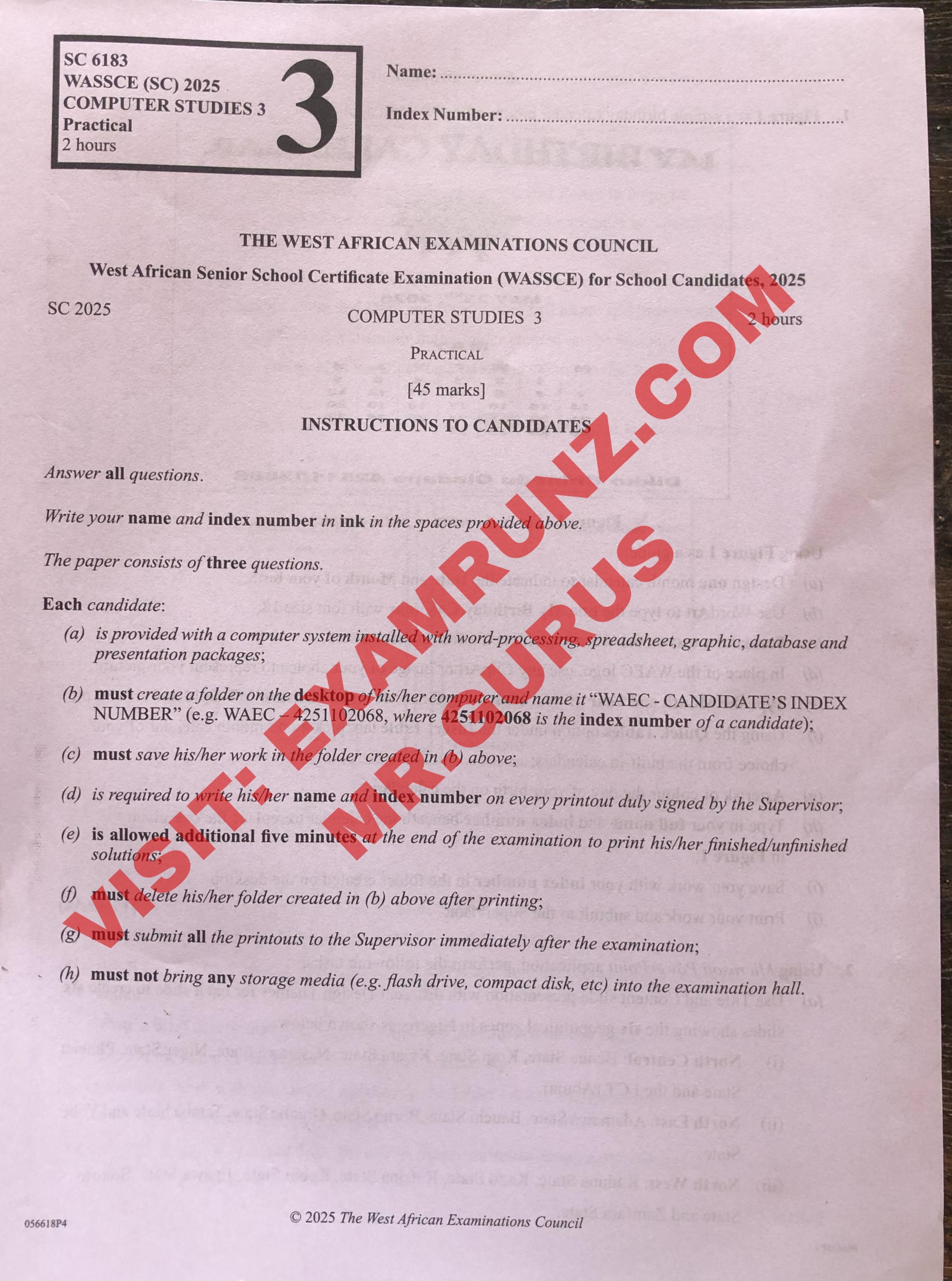
WAEC 2025 COMPUTER STUDIES PRACTICAL QUSTIONS & SOLUTION
IMPORTANT NOTICE TO ALL COMPUTER PRACTICAL STUDENTS BY EXAMRUNZ.COM
Please be reminded that all computer practical exercises must be completed individually using a computer. These tasks are specifically designed to strengthen your skills and understanding in a computer-based environment.
Each student is required to carefully follow the provided instructions during the practical sessions.
No shortcuts or external assistance — this must be done practically and independently.
Thank you for your cooperation.
WAEC 2025 COMPUTER STUDIES PRACTICAL QUSTIONS PAPER
WAEC 2025 COMPUTER STUDIES PRACTICAL GUIDE
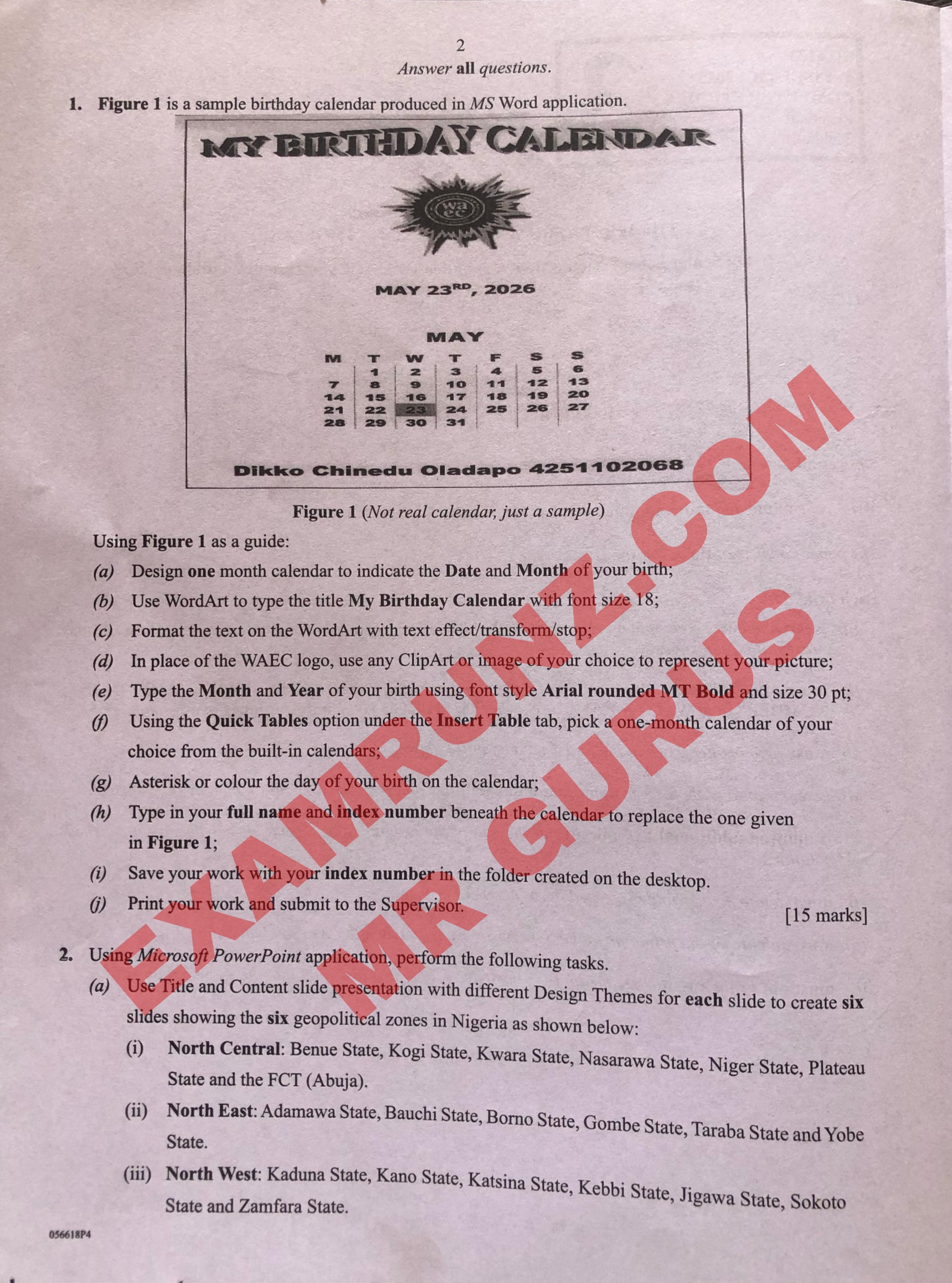
Question 1 (MS Word – Birthday Calendar) [15 marks]
Using Figure 1 as a guide, perform the following steps:
(a) Design one-month calendar to indicate the Date and Month of your birth:
1. Insert Table:
Go to Insert > Table.
Create a 7-column table to represent days of the week (M, T, W, T, F, S, S).
Fill in the calendar dates appropriately for your birth month.
(b) Use WordArt to type the title “My Birthday Calendar”:
Insert > WordArt, choose a style.
Type “My Birthday Calendar”, set font size 18.
(c) Format the text on WordArt with text effect/transform/stop:
Select the WordArt, go to Format > Text Effects, choose Transform or add Shadow/Glow/Reflection.
(d) Insert any ClipArt or image of your choice to represent your picture:
Insert > Pictures or ClipArt.
Choose an image or icon to represent yourself.
(e) Type the Month and Year of your birth using:
Font: Arial Rounded MT Bold
Font size: 30 pt
(f) Insert calendar using Quick Tables:
Insert > Table > Quick Tables, choose Calendar, and edit to match your birth month/year.
(g) Asterisk or colour the day of your birth:
Highlight your birth date in the calendar.
Use Font Color or add an asterisk *.
(h) Type your full name and index number below the calendar:
Delete the name/index in the sample and replace with your own (e.g., Your Name 123456789).
(i) Save your work:
Use your index number as the file name.
Save in the specified folder on the desktop.
(j) Print and submit to Supervisor.
—
Question 2 (MS PowerPoint – Geopolitical Zones)
Using Microsoft PowerPoint, perform the following:
(a) Create six slides using Title and Content layout:
1. Apply different Design Themes to each slide.
2. Each slide should cover one geopolitical zone as follows:
—
Slide 1: North Central
Benue State
Kogi State
Kwara State
Nasarawa State
Niger State
Plateau State
FCT (Abuja)
—
Slide 2: North East
Adamawa State
Bauchi State
Borno State
Gombe State
Taraba State
Yobe State
—
Slide 3: North West
Kaduna State
Kano State
Katsina State
Kebbi State
Jigawa State
Sokoto State
Zamfara State
Completed
Note: Our Subscribed candidates Get Questions And Answers (Expo) Before The Exam
Waec 2025 Authentic Computer studies Answers
Waec 2025 Authentic Computer studies Answers
Waec 2025 Authentic Computer studies Answers
If you found this post helpful or have any questions, please leave a comment below.